Approval and Rights on Assets
Where FileSpin records whether an asset is approved, what rights apply to it and when they end, how reviews set the approval state, and how a CMS, an integration or an AI agent reads it.
Approval and rights live on the asset itself, as metadata fields, so every system that reads the asset sees them: the dashboard, the API, search, webhooks and AI agents.
The built-in fields
An account that has not created schemas of its own gets the built-in General schema automatically, and new uploads use it unless the account picks another default upload schema. Every industry preset (Marketing, E-commerce, Fashion, Events, Hospitality and others) is built on General, so all of them have these fields:
| Field | Type | Values |
|---|---|---|
status | text, one of a list | draft, in_review, approved, published, archived, rejected |
approved_by | text | Name or email of the person who approved the asset |
usage_rights | text, one of a list | owned, licensed_exclusive, licensed_non_exclusive, royalty_free, editorial_only, restricted, public_domain |
expiration_date | date | When the rights end, or when the asset should be retired |
source | text, one of a list | in_house, agency, stock_licensed, user_generated, vendor_supplied, ai_generated, partner_provided |
version_label | text | Your own version name, such as "Spring 26 final" |
They are ordinary schema fields: set them in the dashboard, at upload, or with Update Asset Data. An account that uses its own schemas can add the same fields to them (see Asset Schemas), and add others it needs, such as territory, channel or model release.
Who added an asset, when and from where is recorded by FileSpin itself, not typed in: creator_id, upload_time and upload_source are on every asset (see Asset Data Format).
Reviews set the approval state
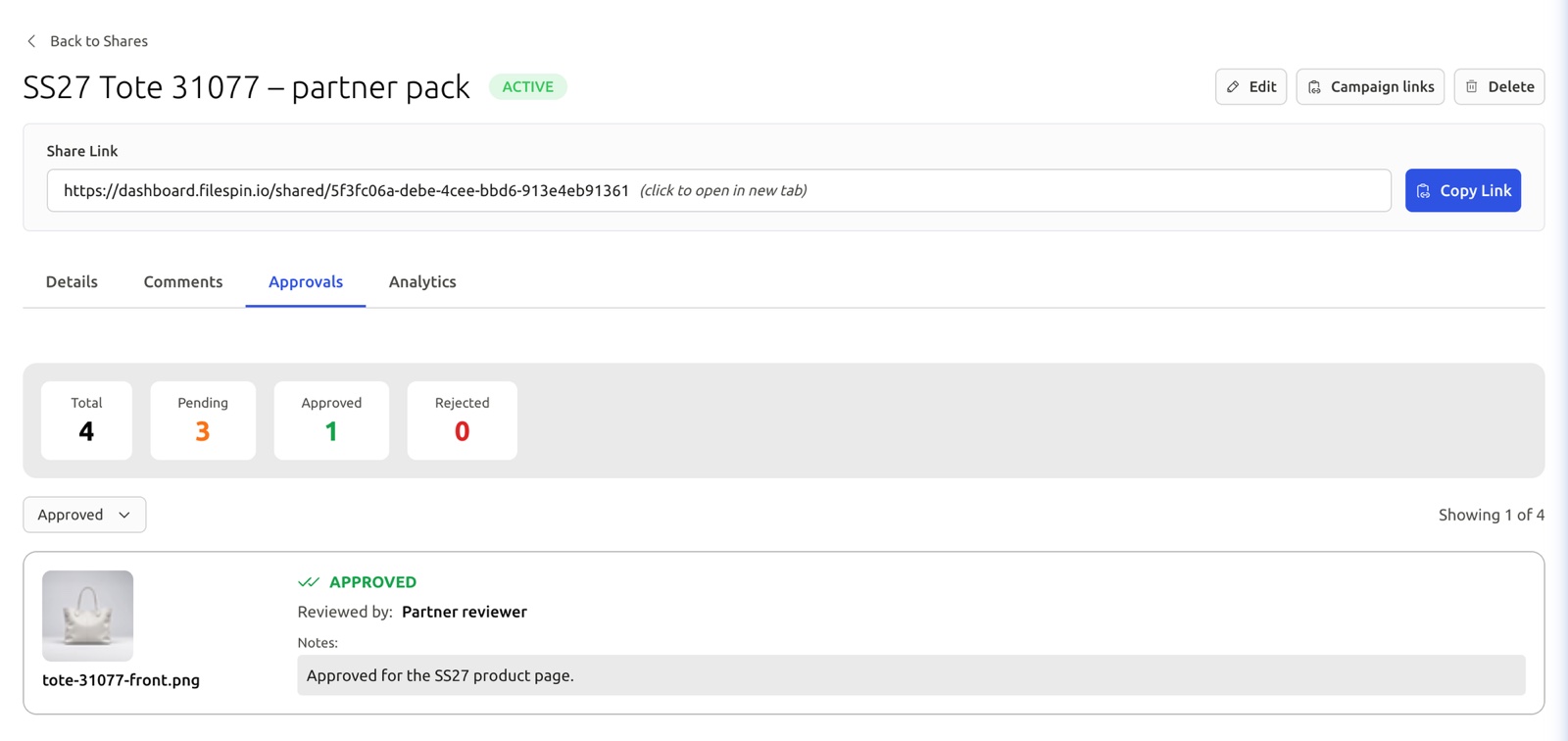
A Review & Approve share collects decisions from reviewers inside or outside the company, and writes them to each asset's status:
| When | status becomes |
|---|---|
A share is created with approvals on (allow_approval: true) | in_review |
| A reviewer approves the asset in the share | approved |
| A reviewer rejects it | rejected |

Bulk decisions on several assets at once work the same way. Each change fires the file-data-updated webhook, so a connected system learns about it without polling. The reviewer's name, email and notes stay on the share, and the share owner can list every decision with GET /api/v1/assetshares/{share_id}/approvals. See Sharing Assets for setting up a review.
status holds the latest decision. If an asset is in two reviews, the last decision made in either of them is the one on the asset.
Reading the approval state from another system
Search for approved assets only
curl -X POST "https://app.filespin.io/api/v1/assets/search" \
  -H "X-FileSpin-Api-Key: YOUR_API_KEY" \
  -H "Content-Type: application/json" \
  -d '{
    "schema_criteria": {
      "data_schema_id": 3,
      "fields": { "status": "approved", "usage_rights": "owned" }
    }
  }'
Use your schema's ID for data_schema_id. The same filter works for editorial_only, rejected or any other value.
Check one asset before using it
GET /api/v1/assets/{asset_id}/data returns the fields under data:
{
  "id": "99d819953914402babbdeb68337ea6a3",
  "status": "OK",
  "data_schema_id": 3,
  "data": {
    "status": "approved",
    "approved_by": "j.doe@example.com",
    "usage_rights": "licensed_non_exclusive",
    "expiration_date": "2027-03-31",
    "source": "agency"
  }
}
The top-level status (OK) is the processing state of the file. The approval state is data.status.
React to changes
Subscribe to the file-data-updated webhook and re-read data.status and data.expiration_date when it fires. A CMS or a product feed can then take an asset off a page as soon as it is rejected, without polling.
AI agents
An AI agent connected through the FileSpin MCP server reads the same metadata. Ask it, for example, to "use only approved images with owned rights for the launch page", and it searches on these fields.
Approval for a new version of an asset
Replacing an asset's file is a separate approval, for accounts that turn on content versioning with release approval:
- The new file is stored as a version waiting for release. The current file keeps being served everywhere (CDN links, shares, embeds, the API and search) until someone in the account's release roles (Admin and Manager by default) makes the new version live or rejects it.
- Only the live version is ever served. A pending or previous version is reachable only inside FileSpin, through short-lived private links.
- Search with
"has_pending_version": trueto list everything waiting for release. - The
file-version-submitted,file-version-rejectedandfile-replacedwebhooks report each step.
See Assets - Versions for the endpoints and the account setting.
Limits
statusis a metadata field. Reviews set it, and so can any user with edit rights, or an integration. If only reviews should set it, keep the edit permission to the people who run reviews.- An asset that was never reviewed has no
statusuntil someone sets it, so "not approved" and "never reviewed" look the same unless your process setsdraftat upload (for example with default values on the upload, or an automation). expiration_dateis recorded, not enforced. FileSpin does not unpublish or block an asset when the date passes. Shares can expire, and an integration can act on the date: search for assets whose rights have ended and remove public access, move them to an archive, or tell their owner.- Territory, channel and model-release fields are not built in. Add them to your schema if you need them.
- Search filters on a field only when the asset's metadata is valid for its schema. The built-in presets include these fields.